How to Save a Voicemail From Someone Who Died (Before It's Gone)
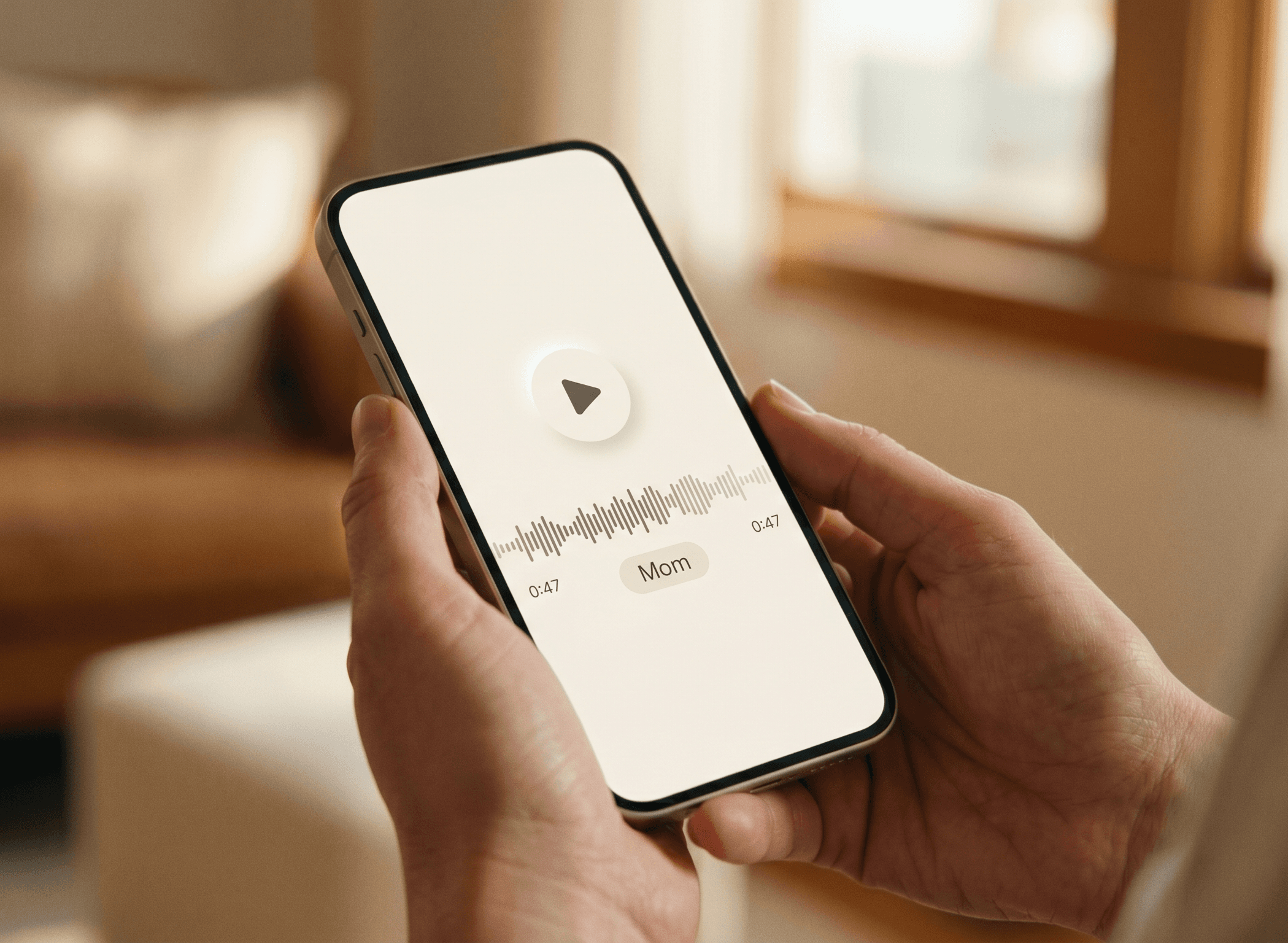
There's a particular kind of panic that comes after a loss. You're not thinking about the funeral or the paperwork yet — you're thinking about the voicemail. The one you've played a hundred times. And a quiet voice in your head asks: what happens to it now?
If you're reading this, you probably already know how much a voice can hold. A photo captures a moment. A voice carries a whole person — the way they said your name, the little laugh at the end of a message, the "call me back when you get this." Losing that recording can feel like losing them a second time.
Here's the good news: in most cases you can save it, and it doesn't take any technical skill. Here's the harder news, and the reason to act today rather than next week.
Phone carriers don't keep voicemails forever. Most delete messages 14 to 30 days after an account is closed or stops being paid — and deleted voicemails usually can't be recovered. If the deceased person's phone bill is still being paid, you likely have more time. If the account has already been canceled, the clock may already be running. Save the recordings before anything else changes.
One thing worth knowing before you start: a saved file is only the beginning. With recent advances in voice technology, that same recording can do more than sit in a folder — it can let you hear their voice again, in something you can actually hold. That's what we built the Memorial Bear to do, and we'll come back to it at the end. For now, the priority is simple: get the recording saved today. Meet the Memorial Bear
First, understand where the voicemail lives
Voicemails exist in two places, and knowing which one you're dealing with tells you how to save it: On the carrier's server — these are the ones you reach by dialing your voicemail number. On the phone itself — if the device uses Visual Voicemail (the list of messages you see in the Phone app), those are stored locally and may be reachable even without active cell service, as long as you have the phone.
How to save a voicemail on an iPhone
- 1Open the Phone app and tap Voicemail.
- 2Tap the message you want to keep.
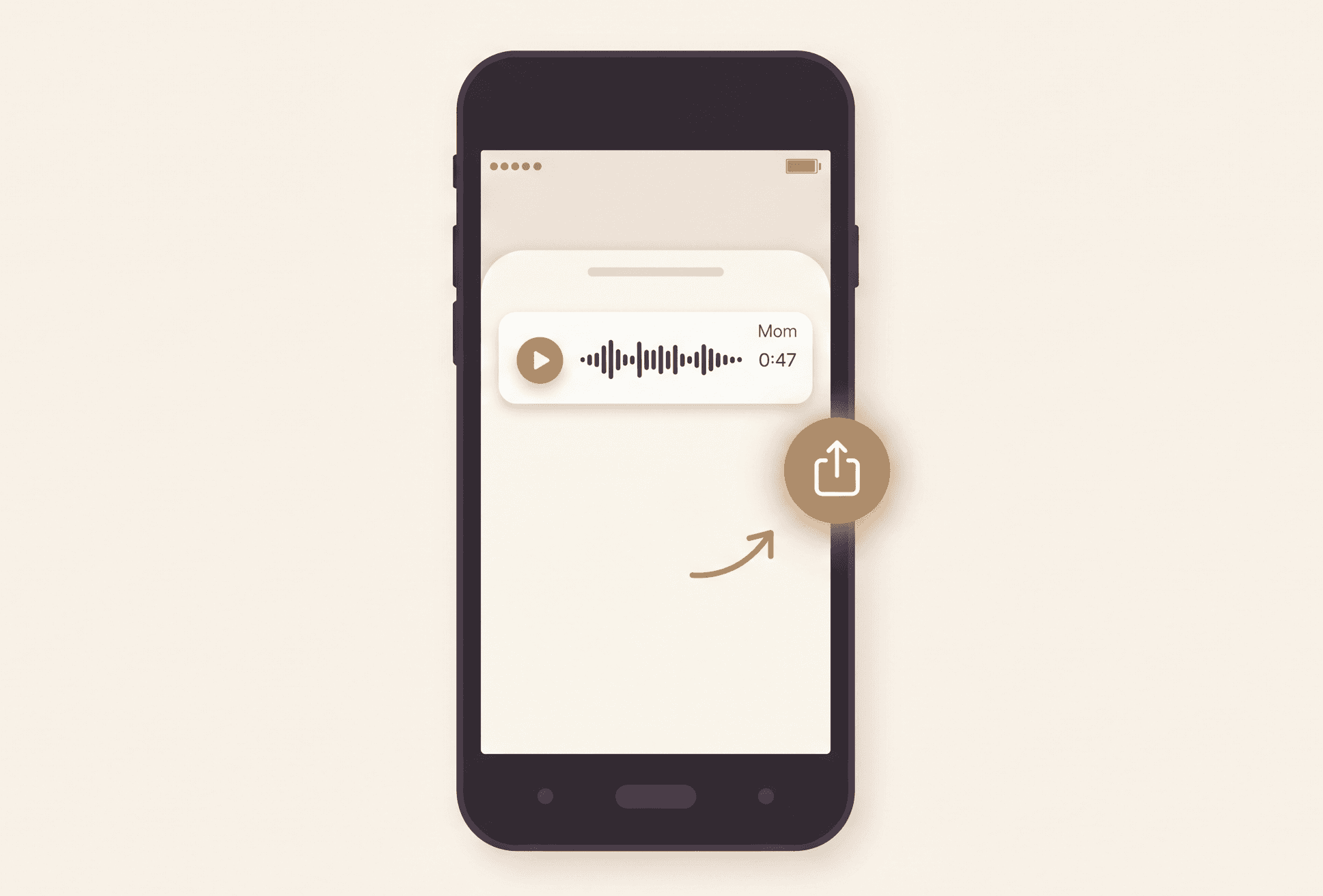
- 3Tap the Share icon (a square with an arrow pointing up).
- 4Choose where to send it — save to Files, email it to yourself, or send it to a cloud drive like iCloud or Google Drive.
- 5Save a second copy somewhere separate. One copy is fragile; two is safe.
How to save a voicemail on an Android phone
- 1Open the Phone or Voicemail app.
- 2Tap the message you want to save.
- 3Look for a download icon or a Share option (often a ⋮ menu).
- 4Share or save the audio file to your email, Google Drive, or the Files app.
- 5Make a backup copy in a second location.
If the device is gone or you can't unlock it, contact the carrier directly. AT&T, Verizon, and T-Mobile all have bereavement or estate support lines. Have the account holder's information, a copy of the death certificate, and any estate documentation ready. It isn't always a smooth process, but it's worth the call.
Don't forget the outgoing greeting
Sometimes the voice you miss most isn't in a message they left you — it's their own outgoing greeting, the "you've reached…" that played every time you called. If their number is still active, call it and record the greeting (a second phone or a voice-recorder app works well). This one is easy to overlook until the number is reassigned and a stranger's voice answers instead.
A gentle note on file formats
If a saved file won't play later, it's usually a format issue, not lost audio. A free media player like VLC will open almost anything, and a free online converter can turn an unusual file (like .amr) into a standard .mp3 or .wav. Keep at least one copy in a common format so it stays playable on any device for years to come.
Once it's saved, what then?
Saving the file is the urgent part. But a voicemail sitting in a folder is something you have to go looking for, and many people find they can't quite bring themselves to open it. The voice ends up safe, but distant.
The Memorial Bear was made for exactly this — a way to keep a loved one's voice somewhere you can reach for it, in something you can hold, instead of buried on a hard drive. Built from the recordings you already have, it lets you hug the bear and hear them again: their voice, the warmth of it, the things you wish you could hear one more time. Whatever you choose, the first step is the same — save the recording today, while you still can. See how the Memorial Bear works
Keep their voice close
Once a voicemail is saved, it doesn't have to stay buried in a folder. Built from the recordings you already have, the Memorial Bear lets you hug the bear and hear your loved one's voice again — whenever you need it.
See how it works